 40e6cdebb1
Summary:
This PR adds missing Objective-C entry to the Docusaurus config, fixes Objective-C code blocks label and adds or replaces several code block labels to improve the currently highlighted blocks.

Prism in Docusaurus by default also includes syntax highlight for `jsx` and `tsx`, which improves the nodes and props highlight, so I have used those syntaxes in few places too.

I have also fixed one typo that I have spotted and my IDE made a cleanup of whitespaces in edited files.

## Changelog

* [website] improve docs code blocks highlighting

Pull Request resolved: https://github.com/facebook/flipper/pull/2049

Test Plan:
The changes have been tested running Flipper website on `localhost`.

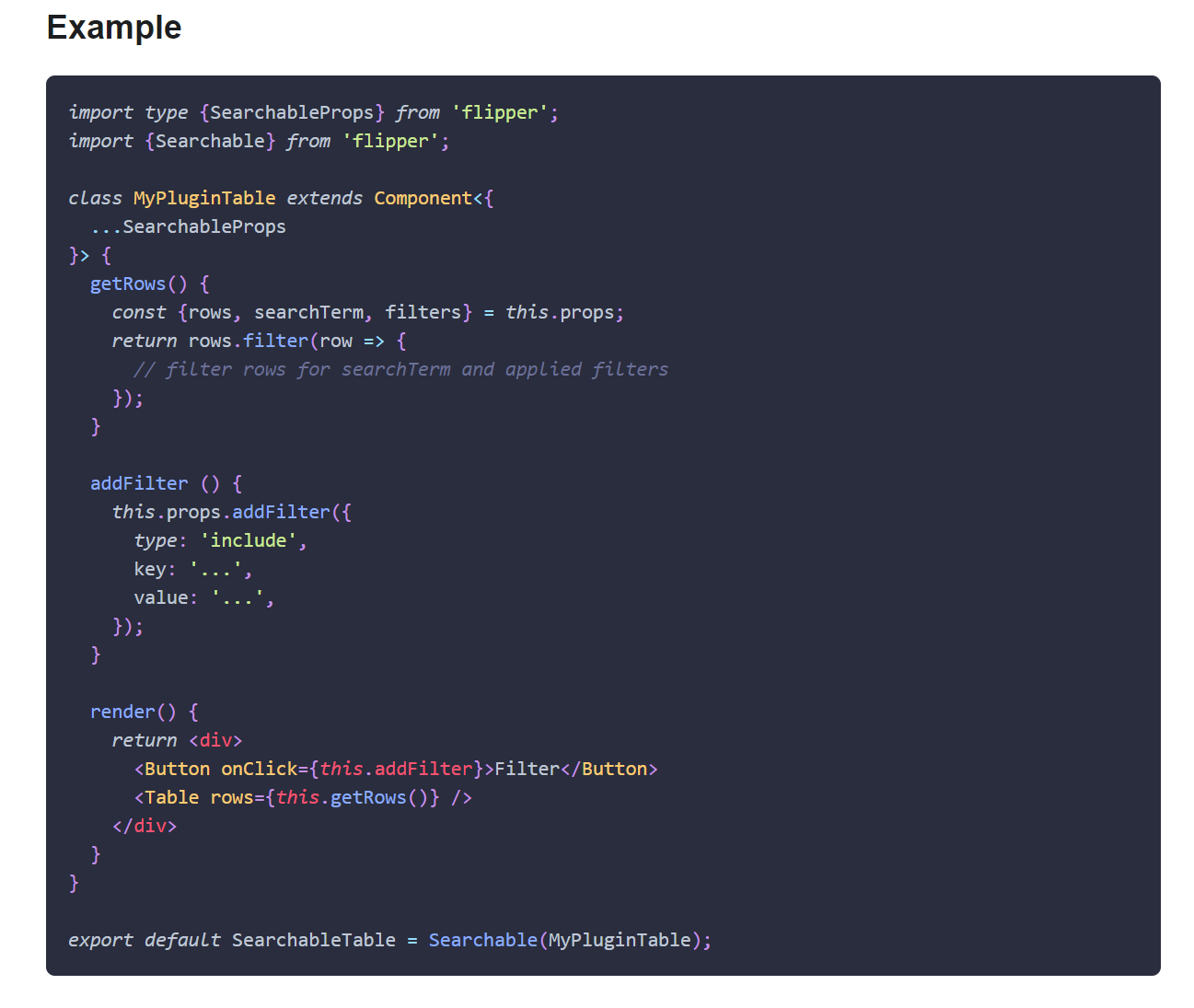
## Preview

<img width="650" alt="Screenshot 2021-03-12 150934" src="https://user-images.githubusercontent.com/719641/110951135-fff20d00-8344-11eb-96db-1bdc82c8d5ea.png">

<img width="649" alt="Screenshot 2021-03-12 151022" src="https://user-images.githubusercontent.com/719641/110951268-2ca62480-8345-11eb-9d3b-1a48f1267776.png">

Reviewed By: priteshrnandgaonkar

Differential Revision: D27336599

Pulled By: passy

fbshipit-source-id: c2dfb3d8cad4675da0f5e1270cada1e56a0175c0

160 lines
6.5 KiB
Plaintext
160 lines
6.5 KiB
Plaintext
---
|
|
id: ios-native
|
|
title: Adding Flipper to iOS apps
|
|
sidebar_label: Generic iOS apps
|
|
---
|
|
import useBaseUrl from '@docusaurus/useBaseUrl';
|
|
import Link from '@docusaurus/Link';
|
|
import Tabs from '@theme/Tabs';
|
|
import TabItem from '@theme/TabItem';
|
|
|
|
We support both Swift and Objective-C for Flipper with CocoaPods as build and distribution mechanism.
|
|
|
|
## CocoaPods
|
|
|
|
The following configuration assumed CocoaPods 1.9+.
|
|
|
|
```ruby
|
|
project 'MyApp.xcodeproj'
|
|
flipperkit_version = '0.49.0'
|
|
|
|
target 'MyApp' do
|
|
platform :ios, '9.0'
|
|
|
|
# It is likely that you'll only want to include Flipper in debug builds,
|
|
# in which case you add the `:configuration` directive:
|
|
pod 'FlipperKit', '~>' + flipperkit_version, :configuration => 'Debug'
|
|
pod 'FlipperKit/FlipperKitLayoutComponentKitSupport', '~>' + flipperkit_version, :configuration => 'Debug'
|
|
pod 'FlipperKit/SKIOSNetworkPlugin', '~>' + flipperkit_version, :configuration => 'Debug'
|
|
pod 'FlipperKit/FlipperKitUserDefaultsPlugin', '~>' + flipperkit_version, :configuration => 'Debug'
|
|
# ...unfortunately at this time that means you'll need to explicitly mark
|
|
# transitive dependencies as being for debug build only as well:
|
|
pod 'Flipper-DoubleConversion', :configuration => 'Debug'
|
|
pod 'Flipper-Folly', :configuration => 'Debug'
|
|
pod 'Flipper-Glog', :configuration => 'Debug'
|
|
pod 'Flipper-PeerTalk', :configuration => 'Debug'
|
|
pod 'CocoaLibEvent', :configuration => 'Debug'
|
|
pod 'boost-for-react-native', :configuration => 'Debug'
|
|
pod 'OpenSSL-Universal', :configuration => 'Debug'
|
|
pod 'CocoaAsyncSocket', :configuration => 'Debug'
|
|
# ...except, of course, those transitive dependencies that your
|
|
# application itself depends, e.g.:
|
|
pod 'ComponentKit', '~> 0.30'
|
|
|
|
# If you use `use_frameworks!` in your Podfile,
|
|
# uncomment the below $static_framework array and also
|
|
# the pre_install section. This will cause Flipper and
|
|
# it's dependencies to be built as a static library and all other pods to
|
|
# be dynamic.
|
|
#
|
|
# NOTE Doing this may lead to a broken build if any of these are also
|
|
# transitive dependencies of other dependencies and are expected
|
|
# to be built as frameworks.
|
|
#
|
|
# $static_framework = ['FlipperKit', 'Flipper', 'Flipper-Folly',
|
|
# 'CocoaAsyncSocket', 'ComponentKit', 'Flipper-DoubleConversion',
|
|
# 'Flipper-Glog', 'Flipper-PeerTalk', 'Flipper-RSocket', 'Yoga', 'YogaKit',
|
|
# 'CocoaLibEvent', 'OpenSSL-Universal', 'boost-for-react-native']
|
|
#
|
|
# pre_install do |installer|
|
|
# Pod::Installer::Xcode::TargetValidator.send(:define_method, :verify_no_static_framework_transitive_dependencies) {}
|
|
# installer.pod_targets.each do |pod|
|
|
# if $static_framework.include?(pod.name)
|
|
# def pod.build_type;
|
|
# Pod::BuildType.static_library
|
|
# end
|
|
# end
|
|
# end
|
|
# end
|
|
end
|
|
```
|
|
|
|
## For pure Objective-C projects
|
|
|
|
For pure Objective-C projects, add the following things in your settings:
|
|
|
|
1. `/usr/lib/swift` as the first entry of the `LD_RUNPATH_SEARCH_PATHS`
|
|
2. Add the following in `LIBRARY_SEARCH_PATHS`
|
|
|
|
```
|
|
"\"$(TOOLCHAIN_DIR)/usr/lib/swift/$(PLATFORM_NAME)\"",
|
|
"\"$(TOOLCHAIN_DIR)/usr/lib/swift-5.0/$(PLATFORM_NAME)\"",
|
|
```
|
|
|
|
3. If after the above two steps there are still error's like `Undefined symbol _swift_getFunctionReplacement` then set `DEAD_CODE_STRIPPING` to `YES`. Reference for this fix is [here](https://forums.swift.org/t/undefined-symbol-swift-getfunctionreplacement/30495/4)
|
|
|
|
This is done to overcome a bug with Xcode 11 which fails to compile swift code when bitcode is enabled. Flipper transitively depends on YogaKit which is written in Swift. More about this issue can be found [here](https://twitter.com/krzyzanowskim/status/1151549874653081601?s=21) and [here](https://github.com/Carthage/Carthage/issues/2825).
|
|
|
|
Install the dependencies by running `pod install`. You can now import and initialize Flipper in your
|
|
AppDelegate.
|
|
|
|
<Tabs defaultValue="ios" values={[{ label: 'iOS', value: 'ios'}, { label: 'Swift', value: 'swift'}]}>
|
|
<TabItem value="ios">
|
|
|
|
```objc
|
|
#import <FlipperKit/FlipperClient.h>
|
|
#import <FlipperKitLayoutPlugin/FlipperKitLayoutPlugin.h>
|
|
#import <FlipperKitLayoutComponentKitSupport/FlipperKitLayoutComponentKitSupport.h>
|
|
#import <FlipperKitUserDefaultsPlugin/FKUserDefaultsPlugin.h>
|
|
#import <FlipperKitNetworkPlugin/FlipperKitNetworkPlugin.h>
|
|
#import <SKIOSNetworkPlugin/SKIOSNetworkAdapter.h>
|
|
|
|
@implementation AppDelegate
|
|
|
|
- (BOOL)application:(UIApplication *)application didFinishLaunchingWithOptions:(NSDictionary *)launchOptions
|
|
{
|
|
FlipperClient *client = [FlipperClient sharedClient];
|
|
SKDescriptorMapper *layoutDescriptorMapper = [[SKDescriptorMapper alloc] initWithDefaults];
|
|
[FlipperKitLayoutComponentKitSupport setUpWithDescriptorMapper: layoutDescriptorMapper];
|
|
[client addPlugin: [[FlipperKitLayoutPlugin alloc] initWithRootNode: application
|
|
withDescriptorMapper: layoutDescriptorMapper]];
|
|
|
|
[client addPlugin:[[FKUserDefaultsPlugin alloc] initWithSuiteName:nil]];
|
|
[client addPlugin: [[FlipperKitNetworkPlugin alloc] initWithNetworkAdapter:[SKIOSNetworkAdapter new]]];
|
|
[client start];
|
|
...
|
|
}
|
|
@end
|
|
```
|
|
|
|
</TabItem>
|
|
<TabItem value="swift">
|
|
|
|
```swift
|
|
import UIKit
|
|
import FlipperKit
|
|
@UIApplicationMain
|
|
class AppDelegate: UIResponder, UIApplicationDelegate {
|
|
|
|
var window: UIWindow?
|
|
|
|
|
|
func application(_ application: UIApplication, didFinishLaunchingWithOptions launchOptions: [UIApplication.LaunchOptionsKey: Any]?) -> Bool {
|
|
// Override point for customization after application launch.
|
|
let client = FlipperClient.shared()
|
|
let layoutDescriptorMapper = SKDescriptorMapper(defaults: ())
|
|
FlipperKitLayoutComponentKitSupport.setUpWith(layoutDescriptorMapper)
|
|
client?.add(FlipperKitLayoutPlugin(rootNode: application, with: layoutDescriptorMapper!))
|
|
client?.start()
|
|
return true
|
|
}
|
|
}
|
|
```
|
|
|
|
</TabItem>
|
|
</Tabs>
|
|
|
|
## Enabling plugins
|
|
|
|
Finally, you need to add plugins to your Flipper client. Above, we have only added the Layout Inspector plugin to get you started. See <Link to={useBaseUrl("/docs/setup/network-plugin")}>Network Plugin</Link> and <Link to={useBaseUrl("/docs/setup/layout-plugin")}>Layout Inspector Plugin</Link> for information on how to add them, and also enable Litho or ComponentKit support. You can check the sample apps in the [GitHub repo](https://github.com/facebook/flipper) for examples of integrating other plugins.
|
|
|
|
## Having trouble?
|
|
|
|
See the <Link to={useBaseUrl("/docs/troubleshooting")}>troubleshooting page</Link> for help with known problems.
|
|
|
|
<div class="warning">
|
|
|
|
On iOS, we currently do not support connecting to physical devices.
|
|
|
|
</div>
|