 40e6cdebb1
Summary:
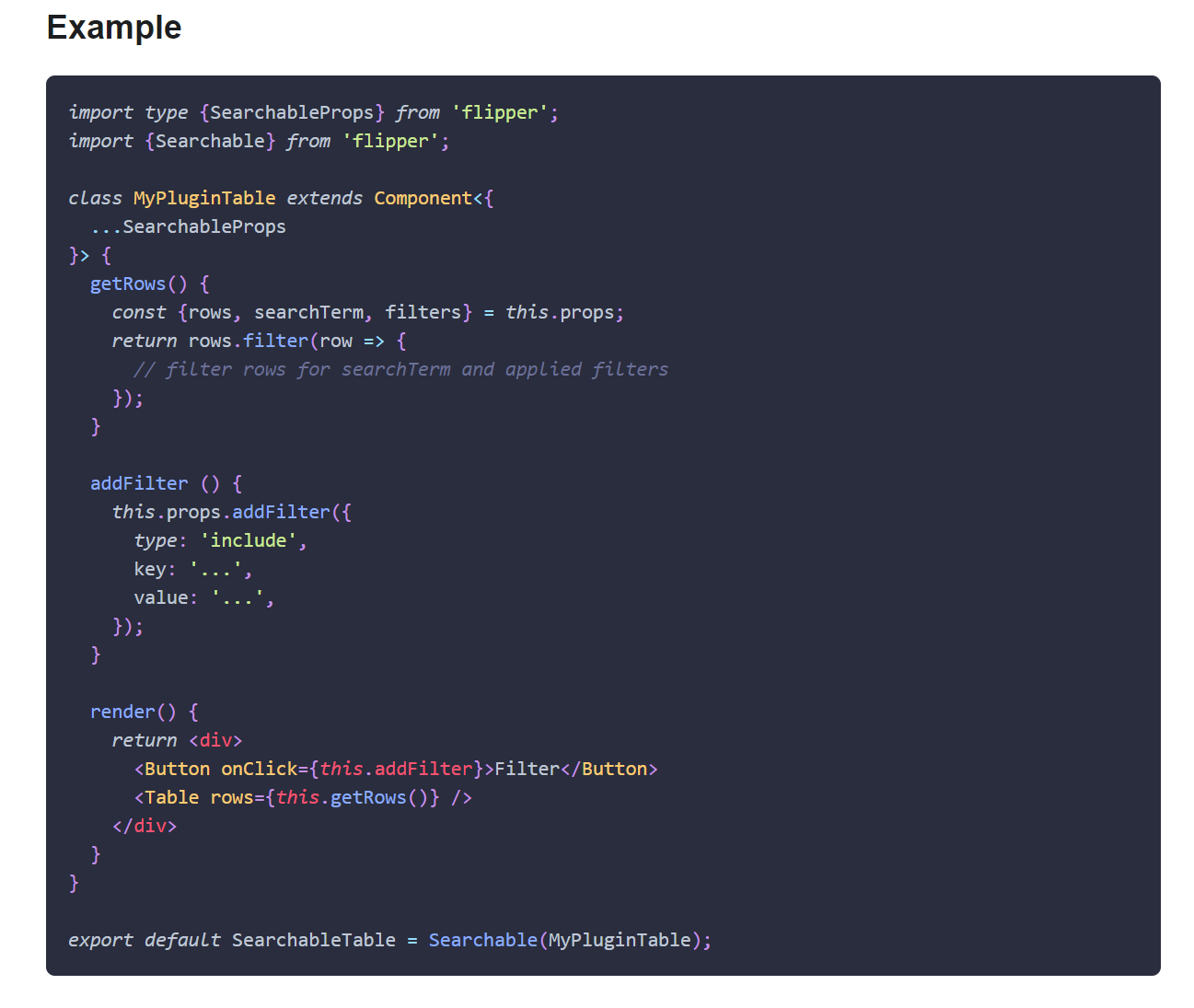
This PR adds missing Objective-C entry to the Docusaurus config, fixes Objective-C code blocks label and adds or replaces several code block labels to improve the currently highlighted blocks.

Prism in Docusaurus by default also includes syntax highlight for `jsx` and `tsx`, which improves the nodes and props highlight, so I have used those syntaxes in few places too.

I have also fixed one typo that I have spotted and my IDE made a cleanup of whitespaces in edited files.

## Changelog

* [website] improve docs code blocks highlighting

Pull Request resolved: https://github.com/facebook/flipper/pull/2049

Test Plan:
The changes have been tested running Flipper website on `localhost`.

## Preview

<img width="650" alt="Screenshot 2021-03-12 150934" src="https://user-images.githubusercontent.com/719641/110951135-fff20d00-8344-11eb-96db-1bdc82c8d5ea.png">

<img width="649" alt="Screenshot 2021-03-12 151022" src="https://user-images.githubusercontent.com/719641/110951268-2ca62480-8345-11eb-9d3b-1a48f1267776.png">

Reviewed By: priteshrnandgaonkar

Differential Revision: D27336599

Pulled By: passy

fbshipit-source-id: c2dfb3d8cad4675da0f5e1270cada1e56a0175c0

63 lines
1.8 KiB
Plaintext
63 lines
1.8 KiB
Plaintext
---
|
|
id: plugin-distribution
|
|
title: Plugin Distribution
|
|
---
|
|
|
|
import FbPluginReleases from './fb/desktop-plugin-releases.mdx'
|
|
|
|
<OssOnly>
|
|
|
|
## Publishing to npm
|
|
|
|
Flipper plugins are essentially standard npm packages. So you can publish them by executing `yarn publish` or `npm publish` in the plugin directory. The only requirements are:
|
|
|
|
1. `package.json` and code [must follow the Flipper plugin specification](desktop-plugin-structure#plugin-definition)
|
|
2. code must be bundled using "flipper-pkg" before packing or publishing. This can be done by executing `flipper-pkg bundle` on `prepack` step:
|
|
```json
|
|
{
|
|
...
|
|
"devDependencies": {
|
|
...
|
|
"flipper-pkg": "latest"
|
|
},
|
|
"scripts": {
|
|
...
|
|
"prepack": "flipper-pkg bundle"
|
|
}
|
|
}
|
|
```
|
|
|
|
</OssOnly>
|
|
|
|
<FbInternalOnly>
|
|
|
|
## Publishing plugins
|
|
|
|
<FbPluginReleases />
|
|
|
|
</FbInternalOnly>
|
|
|
|
## Packaging to File
|
|
|
|
To package plugin as a tarball, you can use the same command as for packaging any other npm package, e.g. `yarn pack` or `npm pack`.
|
|
|
|
"flipper-pkg" also provides a convenient command `pack` which:
|
|
|
|
1. Installs the plugin dependencies
|
|
2. Bundles the plugin
|
|
3. Creates the tarball and saves it at the specified location
|
|
|
|
E.g. to package plugin located at `~/flipper-plugins/my-plugin` to `~/Desktop`, execute the following command:
|
|
```
|
|
flipper-pkg pack ~/flipper-plugins/my-plugin -o ~/Desktop
|
|
```
|
|
|
|
## Installation from File
|
|
|
|
It is possible to install plugins into Flipper from tarballs. This is useful in cases when you need to try a plugin version which is not published to npm, or if you want to distribute plugin privately:
|
|
|
|
1. Launch Flipper
|
|
2. Click the "Manage Plugins" button in the bottom-left corner
|
|
3. Select the "Install Plugins" tab in the opened sheet
|
|
4. Specify the path to the plugin package (or just drag and drop it) and click "Install"
|