 d33041cd9e
Summary: With React Native v0.65+, `NativeEventEmitter` shows non-null argument warnings. Issue https://github.com/facebook/flipper/issues/2707 ``` `new NativeEventEmitter()` was called with a non-null argument without the required `addListener` method. `new NativeEventEmitter()` was called with a non-null argument without the required `removeListeners` method. ``` ## Changelog https://github.com/facebook/flipper/issues/2707 - Fix NativeEventEmitter warnings for android Pull Request resolved: https://github.com/facebook/flipper/pull/2975 Test Plan: - Add `redux-flipper` plugin to `ReactNativeFlipperExample` project ## Screenshots #### Before 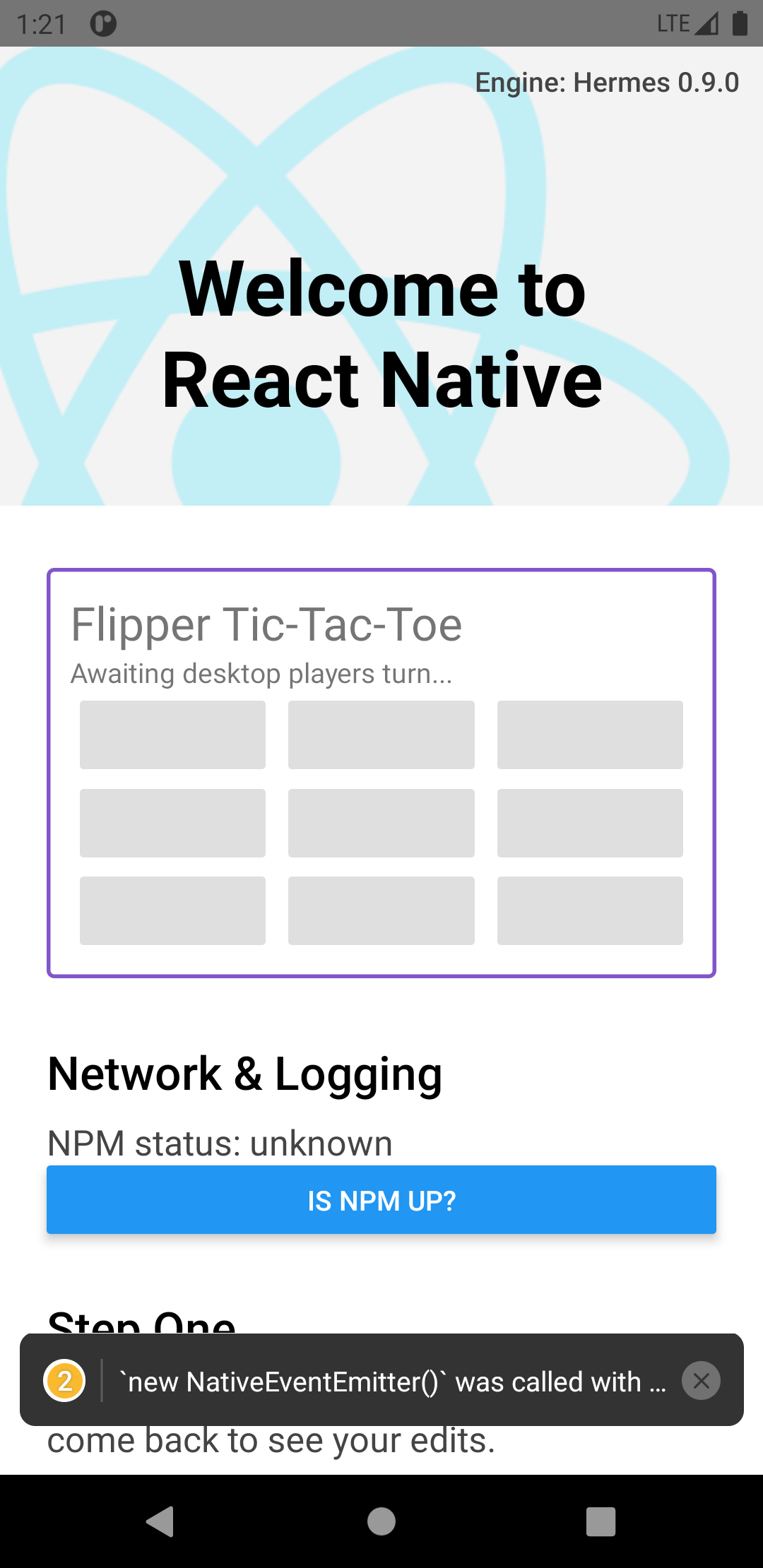 #### After 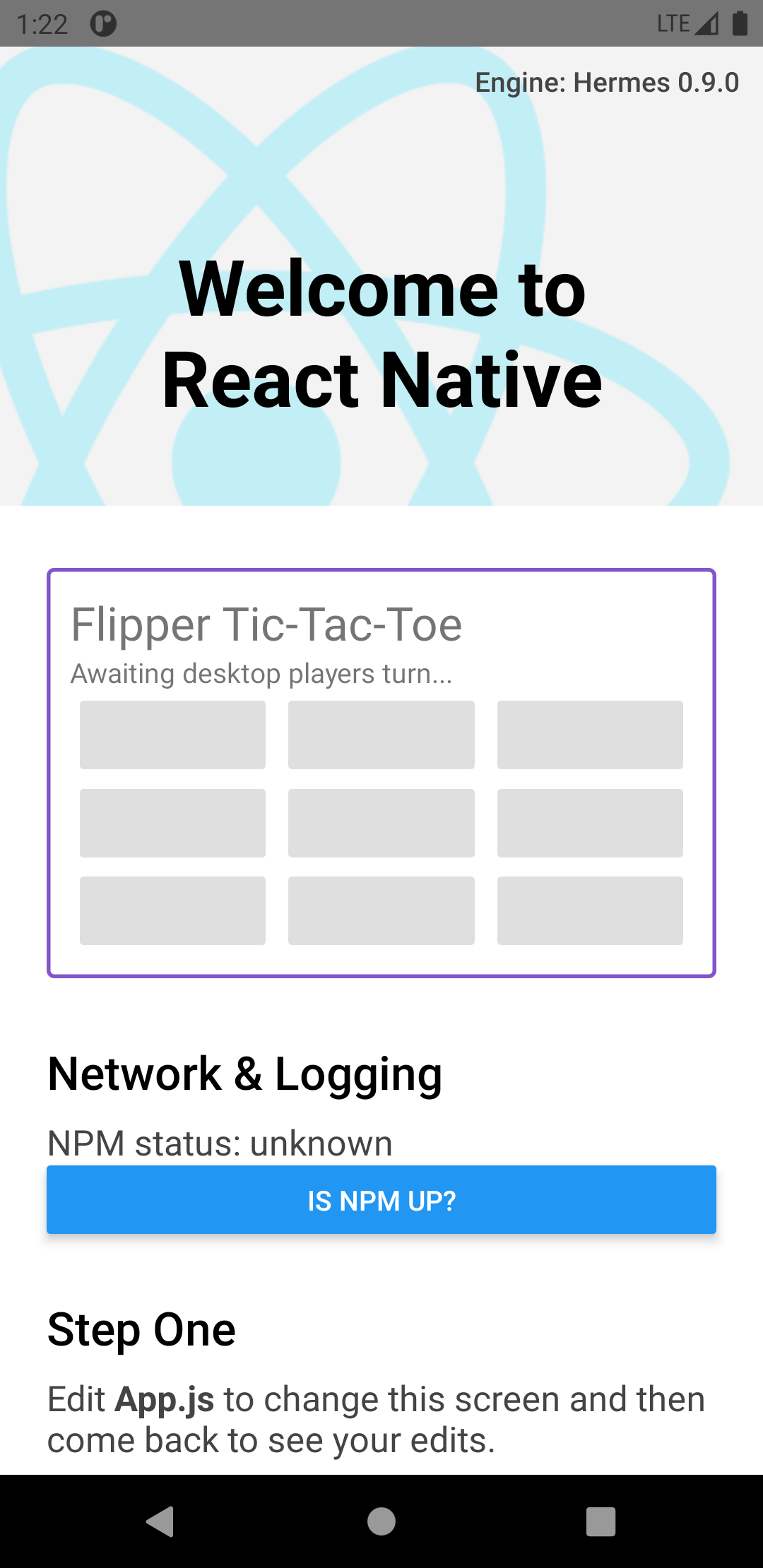 Reviewed By: passy Differential Revision: D32243694 Pulled By: mweststrate fbshipit-source-id: 21e490a275875268fea982ac1e855ca4bed02bc8


react-native-flipper
This package exposes JavaScript bindings to talk from React Native JavaScript directly to flipper.
This package might also be required by other Flipper plugins for React Native.
Installation
Run the following command in the root of your React Native project
yarn add react-native-flipper
Note that this package requires React Native 0.62 or higher.
Usage
How to build Flipper plugins is explained in the flipper documentation: Creating a Flipper plugin. Building a Flipper plugin involves building a plugin for the Desktop app, and a plugin that runs on a Device (Native Android, Native IOS or React Native). This package is only needed for the plugin that runs on the mobile device, in React Native, and wants to use the JavaScript bridge.
This package exposes one method: addPlugin.
The addPlugin accepts a plugin parameter, that registers a client plugin and will fire the relevant callbacks if the corresponding desktop plugin is selected in the Flipper Desktop. The full plugin API is documented here.
Example
An example plugin can be found in FlipperTicTacToe.js.
The corresponding Desktop plugin ships by default in Flipper, so importing the above file and dropping the <FlipperTicTacToe /> component somewhere in your application should work out of the box.
The sources of the corresponding Desktop plugin can be found here.