 40e6cdebb1
Summary:
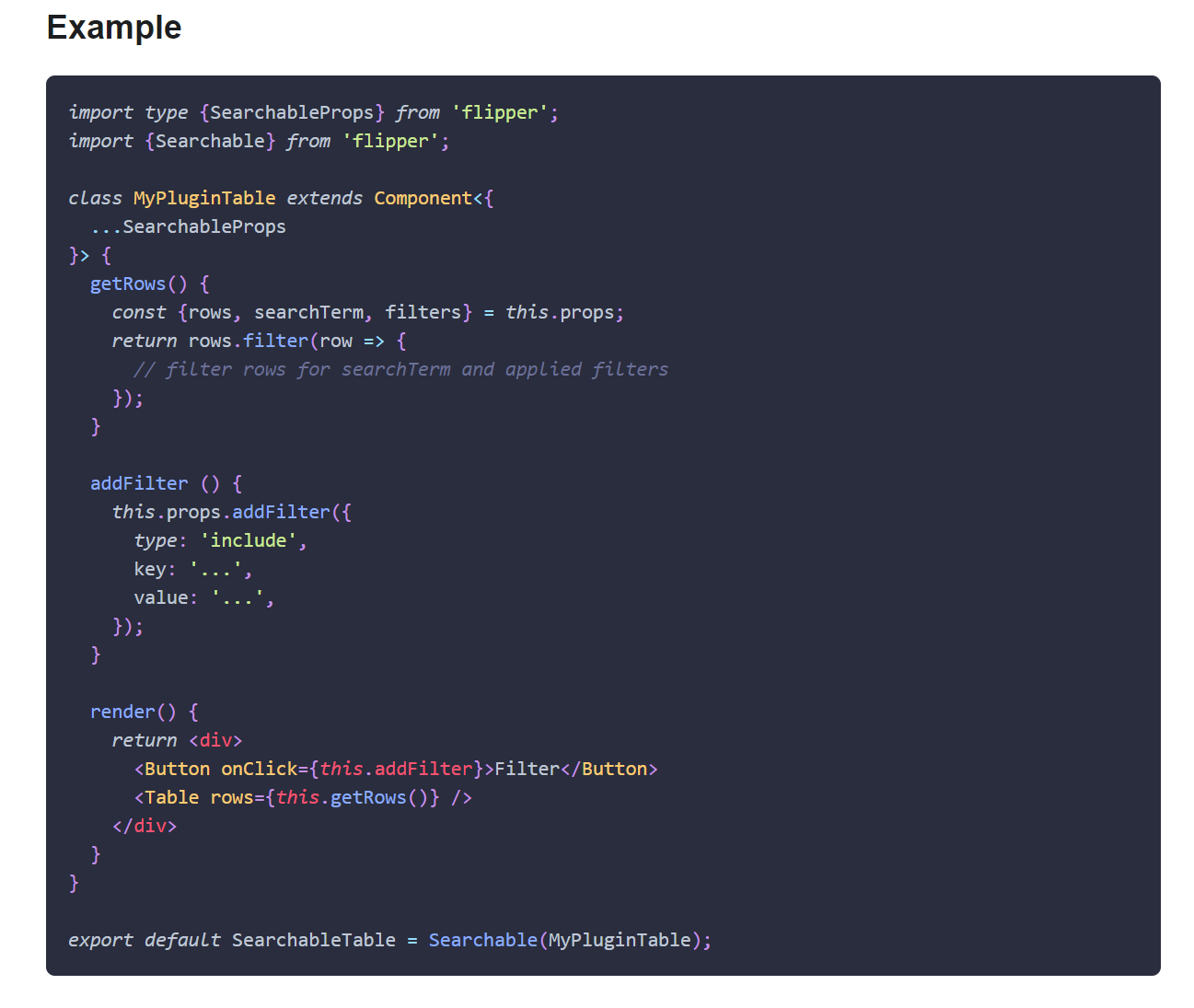
This PR adds missing Objective-C entry to the Docusaurus config, fixes Objective-C code blocks label and adds or replaces several code block labels to improve the currently highlighted blocks.

Prism in Docusaurus by default also includes syntax highlight for `jsx` and `tsx`, which improves the nodes and props highlight, so I have used those syntaxes in few places too.

I have also fixed one typo that I have spotted and my IDE made a cleanup of whitespaces in edited files.

## Changelog

* [website] improve docs code blocks highlighting

Pull Request resolved: https://github.com/facebook/flipper/pull/2049

Test Plan:
The changes have been tested running Flipper website on `localhost`.

## Preview

<img width="650" alt="Screenshot 2021-03-12 150934" src="https://user-images.githubusercontent.com/719641/110951135-fff20d00-8344-11eb-96db-1bdc82c8d5ea.png">

<img width="649" alt="Screenshot 2021-03-12 151022" src="https://user-images.githubusercontent.com/719641/110951268-2ca62480-8345-11eb-9d3b-1a48f1267776.png">

Reviewed By: priteshrnandgaonkar

Differential Revision: D27336599

Pulled By: passy

fbshipit-source-id: c2dfb3d8cad4675da0f5e1270cada1e56a0175c0

90 lines
3.0 KiB
Plaintext
90 lines
3.0 KiB
Plaintext
---
|
|
id: styling-components
|
|
title: Styling Components
|
|
---
|
|
|
|
import useBaseUrl from '@docusaurus/useBaseUrl';
|
|
import Link from '@docusaurus/Link';
|
|
|
|
Flipper ships with its own design system which is based on [Ant Design](https://ant.design/).
|
|
In general, custom styling should be needed rarily, as Ant Design provides a very extensive set of [components](https://ant.design/components/overview/).
|
|
|
|
To build plugin layout and data visualization Flipper ships with an additional set of components through the `flipper-plugin` package.
|
|
The list of available additional components can be found in the <Link to={useBaseUrl('/docs/extending/flipper-plugin#ui-components')}>API Reference</Link> and are further documented
|
|
in the Flipper Style Guide which can be found in Flipper under `View > Flipper style guide`.
|
|
|
|
In case you still need customly styled components,
|
|
we are using [emotion](https://emotion.sh) to style our components. For more details on how this works, please refer to emotion's documentation. We heavily use their [Styled Components](https://emotion.sh/docs/styled) approach, which allows you to extend our and Ant's built-in components.
|
|
|
|
## Basic tags
|
|
|
|
For basic building blocks (views, texts, ...) you can use the styled object.
|
|
|
|
```js
|
|
import {styled} from 'flipper-plugin';
|
|
|
|
const MyView = styled.div({
|
|
fontSize: 10,
|
|
color: colors.red
|
|
});
|
|
const MyText = styled.span({ ... });
|
|
const MyImage = styled.img({ ... });
|
|
const MyInput = styled.input({ ... });
|
|
```
|
|
|
|
## Extending Flipper Components
|
|
|
|
In some cases it is required to customize Ant or Flipper's components in some way. For example changing colors, alignment, or wrapping behavior.
|
|
Flippers components can be wrapped using the `styled` function which allows adding or overwriting existing style rules.
|
|
|
|
```jsx
|
|
import {Layout, styled} from 'flipper-plugin';
|
|
|
|
const Container = styled(Layout.Container)({
|
|
alignItems: 'center',
|
|
});
|
|
|
|
function MyComponent {
|
|
return <Container>...</Container>;
|
|
}
|
|
```
|
|
|
|
## CSS
|
|
|
|
The CSS-in-JS object passed to the styled components takes just any CSS rule, with the difference that it uses camel cased keys for the properties. Pixel-values can be numbers, any other values need to be strings.
|
|
|
|
The style object can also be returned from a function for dynamic values. Props can be passed to the styled component using React.
|
|
|
|
```jsx
|
|
const MyView = styled.div(
|
|
props => ({
|
|
fontSize: 10,
|
|
color: => (props.disabled ? 'red' : 'black'),
|
|
})
|
|
);
|
|
|
|
// usage
|
|
<MyView disabled />
|
|
```
|
|
|
|
Pseudo-classes can be used like this:
|
|
|
|
```javascript
|
|
'&:hover': {color: 'red'}`
|
|
```
|
|
|
|
Children can be matched by using normal CSS selectors. This makes it possible to customize Ant components as well:
|
|
|
|
```javascript
|
|
'.ant-btn-primary': {color: 'yellow'}
|
|
```
|
|
|
|
## Colors
|
|
|
|
The `theme` module contains all standard colors used by Flipper. All available colors can be previewed by starting Flipper and opening `View > Flipper Style Guide`.
|
|
The colors exposed here will handle dark mode automatically, so it is recommended to use those colors over hardcoded ones.
|
|
|
|
```javascript
|
|
import {theme} from 'flipper-plugin'
|
|
```
|