 40e6cdebb1
Summary:
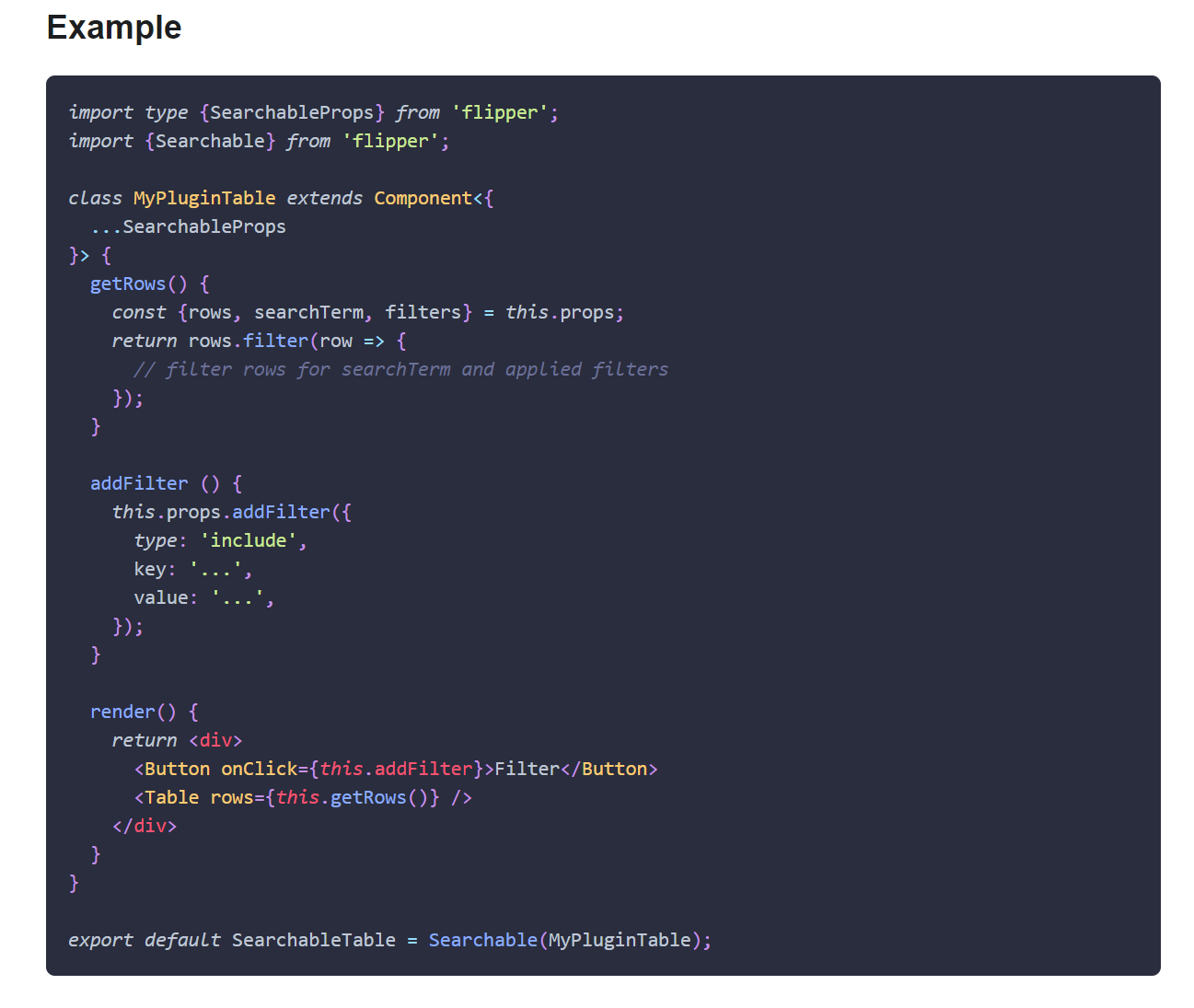
This PR adds missing Objective-C entry to the Docusaurus config, fixes Objective-C code blocks label and adds or replaces several code block labels to improve the currently highlighted blocks.

Prism in Docusaurus by default also includes syntax highlight for `jsx` and `tsx`, which improves the nodes and props highlight, so I have used those syntaxes in few places too.

I have also fixed one typo that I have spotted and my IDE made a cleanup of whitespaces in edited files.

## Changelog

* [website] improve docs code blocks highlighting

Pull Request resolved: https://github.com/facebook/flipper/pull/2049

Test Plan:
The changes have been tested running Flipper website on `localhost`.

## Preview

<img width="650" alt="Screenshot 2021-03-12 150934" src="https://user-images.githubusercontent.com/719641/110951135-fff20d00-8344-11eb-96db-1bdc82c8d5ea.png">

<img width="649" alt="Screenshot 2021-03-12 151022" src="https://user-images.githubusercontent.com/719641/110951268-2ca62480-8345-11eb-9d3b-1a48f1267776.png">

Reviewed By: priteshrnandgaonkar

Differential Revision: D27336599

Pulled By: passy

fbshipit-source-id: c2dfb3d8cad4675da0f5e1270cada1e56a0175c0

90 lines
2.3 KiB
Plaintext
90 lines
2.3 KiB
Plaintext
---
|
|
id: create-table-plugin
|
|
title: Create Table Plugin
|
|
---
|
|
|
|
<div class="warning">
|
|
|
|
The following mechanism isn't supported yet by the Sandy plugin architecture.
|
|
Please remove `flipper-plugin` from the plugin dependencies if you want to use `createTablePlugin`.
|
|
|
|
</div>
|
|
|
|
A very common kind of Flipper plugin is a plugin which fetches some structured data from the device and presents it in a table.
|
|
|
|
To make building these kinds of plugins as easy as possible we have created an abstraction we call `createTablePlugin`. This is a function which manages the complexities of building a table plugin but still allows you to customize many things to suite your needs.
|
|
|
|
Below is a sample implementation of a desktop plugin based on `createTablePlugin`. It subscribes to updates from a client send using the `newRow` method. A row can have any structure you want as long as it has a unique field `id` of type `string`.
|
|
|
|
See "[Create Plugin](create-plugin)" for how to create the native counterpart for your plugin.
|
|
|
|
```tsx
|
|
import {ManagedDataInspector, Panel, Text, createTablePlugin} from 'flipper';
|
|
|
|
type Id = string;
|
|
|
|
type Row = {
|
|
id: Id,
|
|
column1: string,
|
|
column2: string,
|
|
column3: string,
|
|
extras: Object,
|
|
};
|
|
|
|
function buildRow(row: Row) {
|
|
return {
|
|
columns: {
|
|
column1: {
|
|
value: <Text>{row.column1}</Text>,
|
|
filterValue: row.column1,
|
|
},
|
|
column2: {
|
|
value: <Text>{row.column2}</Text>,
|
|
filterValue: row.column2,
|
|
},
|
|
column3: {
|
|
value: <Text>{row.column3}</Text>,
|
|
filterValue: row.column3,
|
|
},
|
|
},
|
|
key: row.id,
|
|
copyText: JSON.stringify(row),
|
|
filterValue: `${row.column1} ${row.column2} ${row.column3}`,
|
|
};
|
|
}
|
|
|
|
function renderSidebar(row: Row) {
|
|
return (
|
|
<Panel floating={false} heading={'Extras'}>
|
|
<ManagedDataInspector data={JSON.parse(row.extras)} expandRoot={true} />
|
|
</Panel>
|
|
);
|
|
}
|
|
|
|
const columns = {
|
|
time: {
|
|
value: 'Column1',
|
|
},
|
|
module: {
|
|
value: 'Column2',
|
|
},
|
|
name: {
|
|
value: 'Column3',
|
|
},
|
|
};
|
|
|
|
const columnSizes = {
|
|
time: '15%',
|
|
module: '20%',
|
|
name: 'flex',
|
|
};
|
|
|
|
export default createTablePlugin({
|
|
method: 'newRow', // Method which should be subscribed to to get new rows with share Row (from above),
|
|
columns,
|
|
columnSizes,
|
|
renderSidebar,
|
|
buildRow,
|
|
});
|
|
```
|