 903476bdad
Summary:
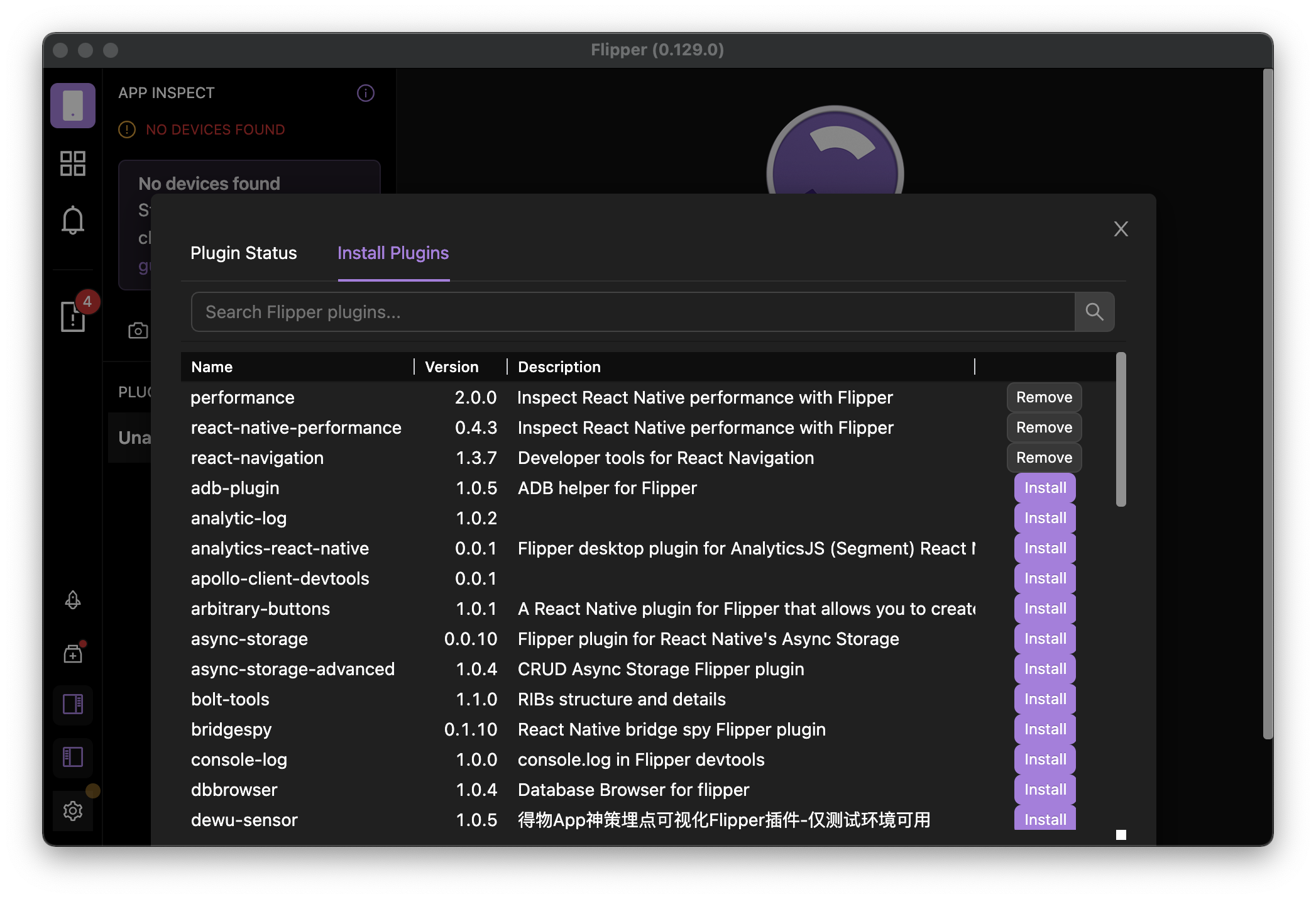
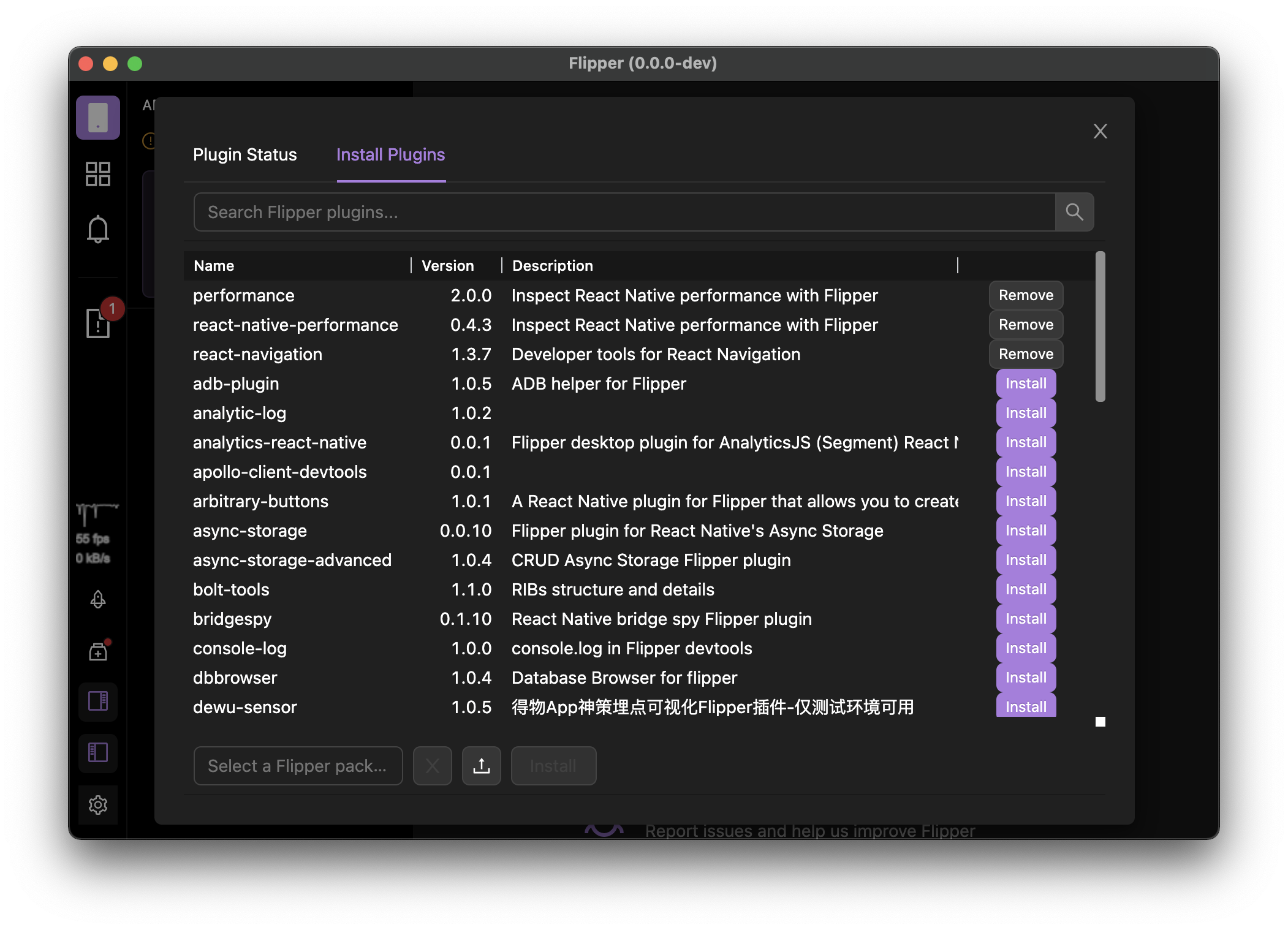
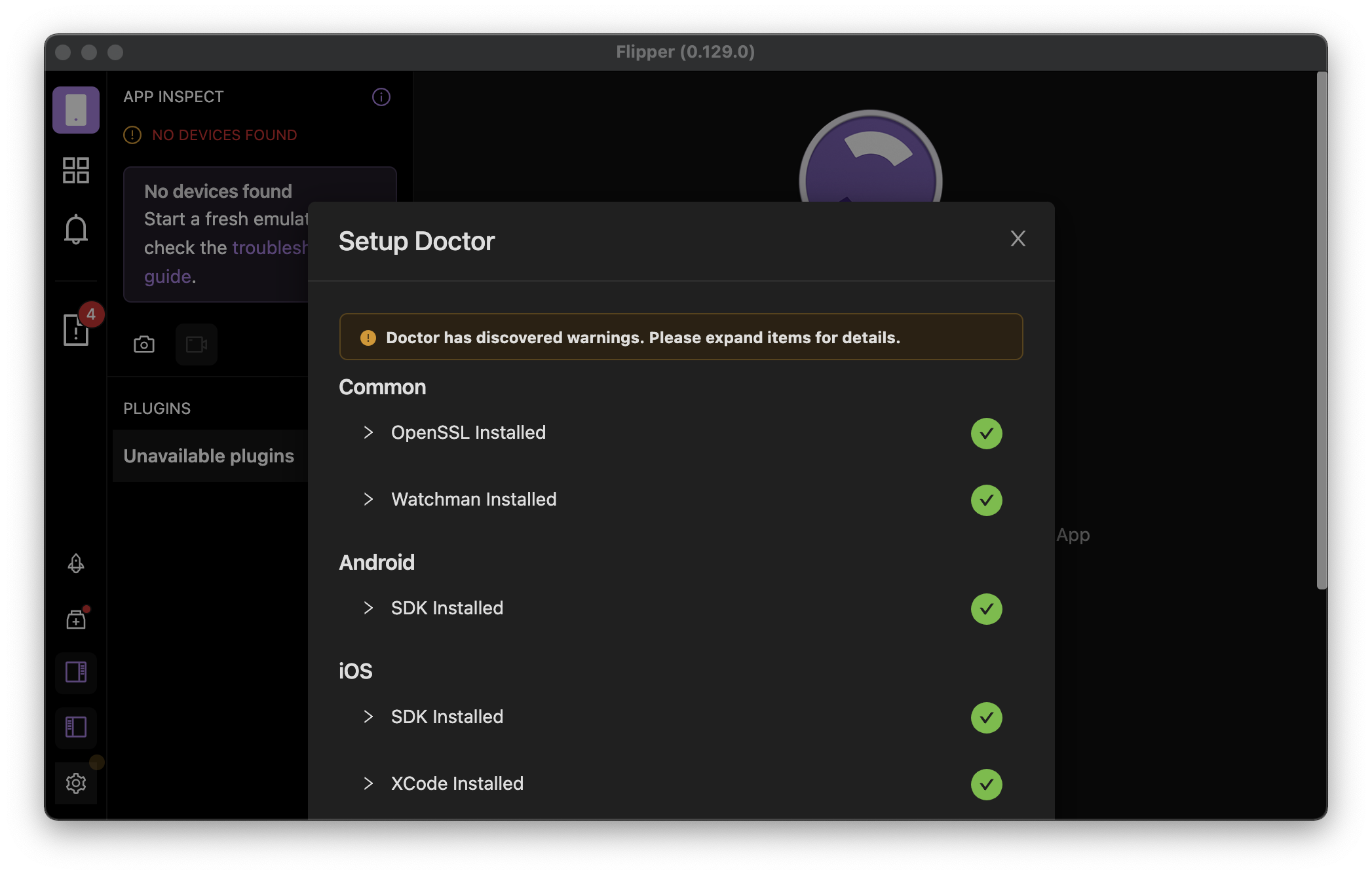
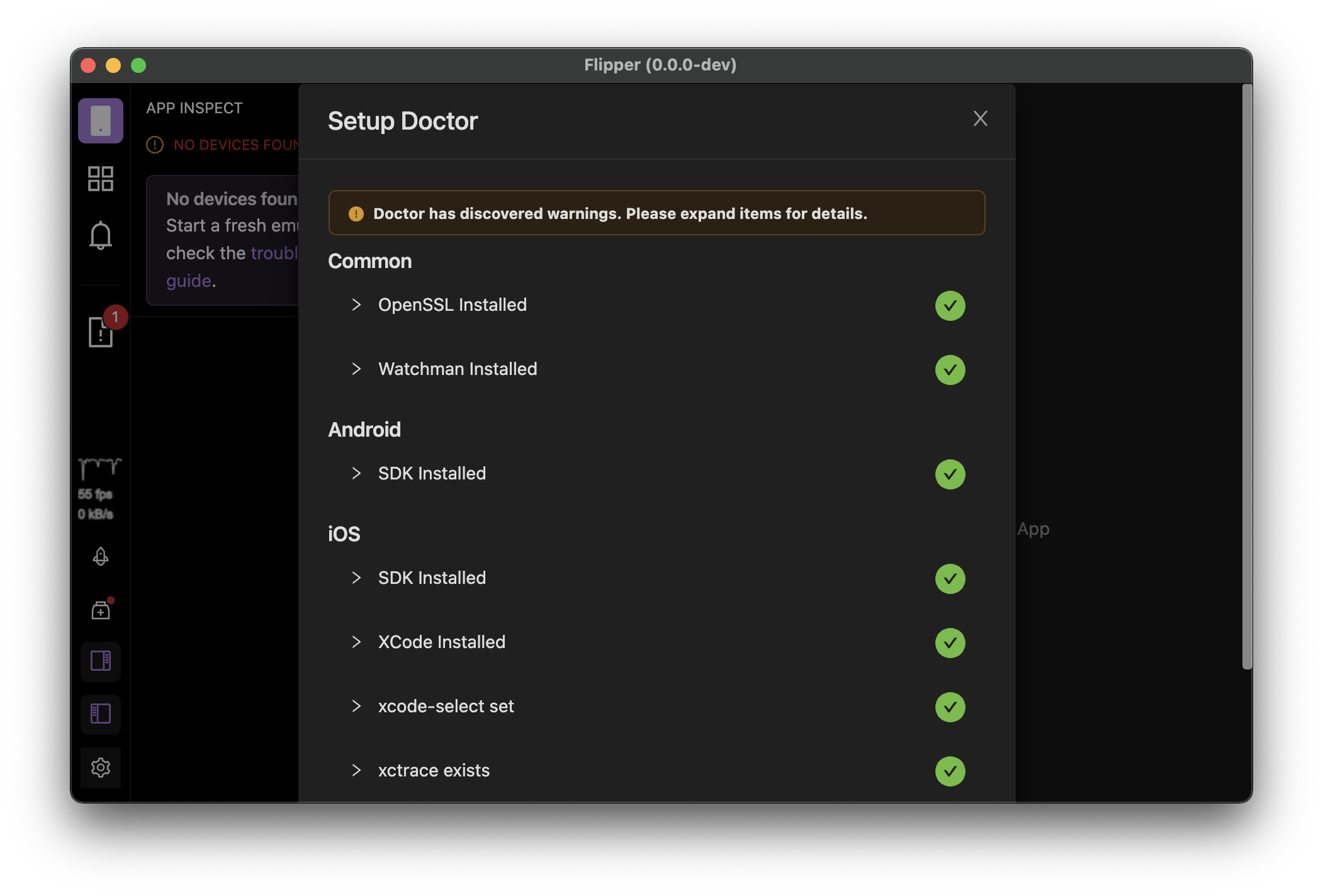
Currently all of the modals are displayed using default positioning, which works fine for small modals and large app windows, but it cause small UI/UX issues (double scroll bars) when app window is quite small.

Adding [`centered` prop](https://ant.design/components/modal/#API) for variable height modals improves this situation a bit, but it also changes a bit the modal position when using maximised window, but I think this is bearable looking at improvements gained when window size is reduced.

## Changelog

* use `centered` prop for variable height modals to improve UI in small app window

Pull Request resolved: https://github.com/facebook/flipper/pull/3334

Test Plan:
The change has been testes by running the desktop Flipper app locally from source.

## Preview (before & after)

#### Small App Window
<img width="390" alt="Screenshot 2022-01-24 at 11 58 40" align="left" src="https://user-images.githubusercontent.com/719641/150771900-cb25d110-82c7-4ba9-8ee5-07a093c4f702.png">
<img width="390" alt="Screenshot 2022-01-24 at 11 58 37" src="https://user-images.githubusercontent.com/719641/150771911-c81592ac-1eba-4112-86ad-9549e6248239.png">

<img width="390" alt="Screenshot 2022-01-24 at 12 00 13" align="left" src="https://user-images.githubusercontent.com/719641/150772045-de37c432-4381-4207-8476-5f142dfb6fa5.png">
<img width="390" alt="Screenshot 2022-01-24 at 12 00 10" src="https://user-images.githubusercontent.com/719641/150772057-574cf6cd-6f1a-4ca2-a343-b8fd6342eddb.png">

#### Maximised App Window
<img width="390" alt="Screenshot 2022-01-24 at 12 12 12" align="left" src="https://user-images.githubusercontent.com/719641/150772777-8ac3cb59-3b41-4dcb-9554-137e95857af8.png">
<img width="390" alt="Screenshot 2022-01-24 at 12 12 29" src="https://user-images.githubusercontent.com/719641/150772758-ca9f8c20-d6d0-412d-9067-7e756da0b56c.png">

Reviewed By: mweststrate

Differential Revision: D33741484

Pulled By: lblasa

fbshipit-source-id: 0c3ca883d051cf4fcce9f9c1b6688974b66fd0d8

Flipper Desktop
This folder contains everything to run the Flipper 'Desktop', that is, the UI which you use to interact with the device / app under debug.
Packages provided here:
- flipper-common: utilities & types shared between client, server, flipper-plugin
- flipper-server-core: all device & client management goes in here. Basically flipper's backend
- flipper-ui-core: all UI goes in here, as far as it doesn't depend on Electron
- flipper-ui-electron: the Electron app, will load server-core and ui-core, and glue them together, providing implementations for some electron * specific stuff like dialgos
- flipper-server: A node process hosting flipper-server-core, that can be connected to over websockets. And probably can serve a browser version of the UI as well.
- flipper-ui-browser: thin wrapper around flipper-ui-core, providing some browser specific behavior / stubs.
- flipper-dump: (might remove later), but want to hack a quick and dirt flipper dump in here, as alternative way to test flipper-server-core.
- flipper-plugin: The flipper SDK used by plugins. Exposes all API's that can be used by plugins
- pkg: CLI tool to manage building flipper plugins
- pkg-lib
- plugin-lib
- babel-transformer
- doctor
- eslint-plugin-flipper
Packages overview
flipper-ui-electron:
   - flipper-server-core (directly embedded)
   - flipper-ui-core
       - plugins (prebundled)
   - plugins (installable)
       - flipper-plugin

flipper-server
   - flipper-server-core
   - flipper-ui-browser (served by webserver)
       - flipper-ui-core (communicates using WebSocket with server-core)
           - plugins (prebundled)
   - plugins (installable)?

flipper-dump
   - flipper-server-core