 40e6cdebb1
Summary:
This PR adds missing Objective-C entry to the Docusaurus config, fixes Objective-C code blocks label and adds or replaces several code block labels to improve the currently highlighted blocks.

Prism in Docusaurus by default also includes syntax highlight for `jsx` and `tsx`, which improves the nodes and props highlight, so I have used those syntaxes in few places too.

I have also fixed one typo that I have spotted and my IDE made a cleanup of whitespaces in edited files.

## Changelog

* [website] improve docs code blocks highlighting

Pull Request resolved: https://github.com/facebook/flipper/pull/2049

Test Plan:
The changes have been tested running Flipper website on `localhost`.

## Preview

<img width="650" alt="Screenshot 2021-03-12 150934" src="https://user-images.githubusercontent.com/719641/110951135-fff20d00-8344-11eb-96db-1bdc82c8d5ea.png">

<img width="649" alt="Screenshot 2021-03-12 151022" src="https://user-images.githubusercontent.com/719641/110951268-2ca62480-8345-11eb-9d3b-1a48f1267776.png">

Reviewed By: priteshrnandgaonkar

Differential Revision: D27336599

Pulled By: passy

fbshipit-source-id: c2dfb3d8cad4675da0f5e1270cada1e56a0175c0

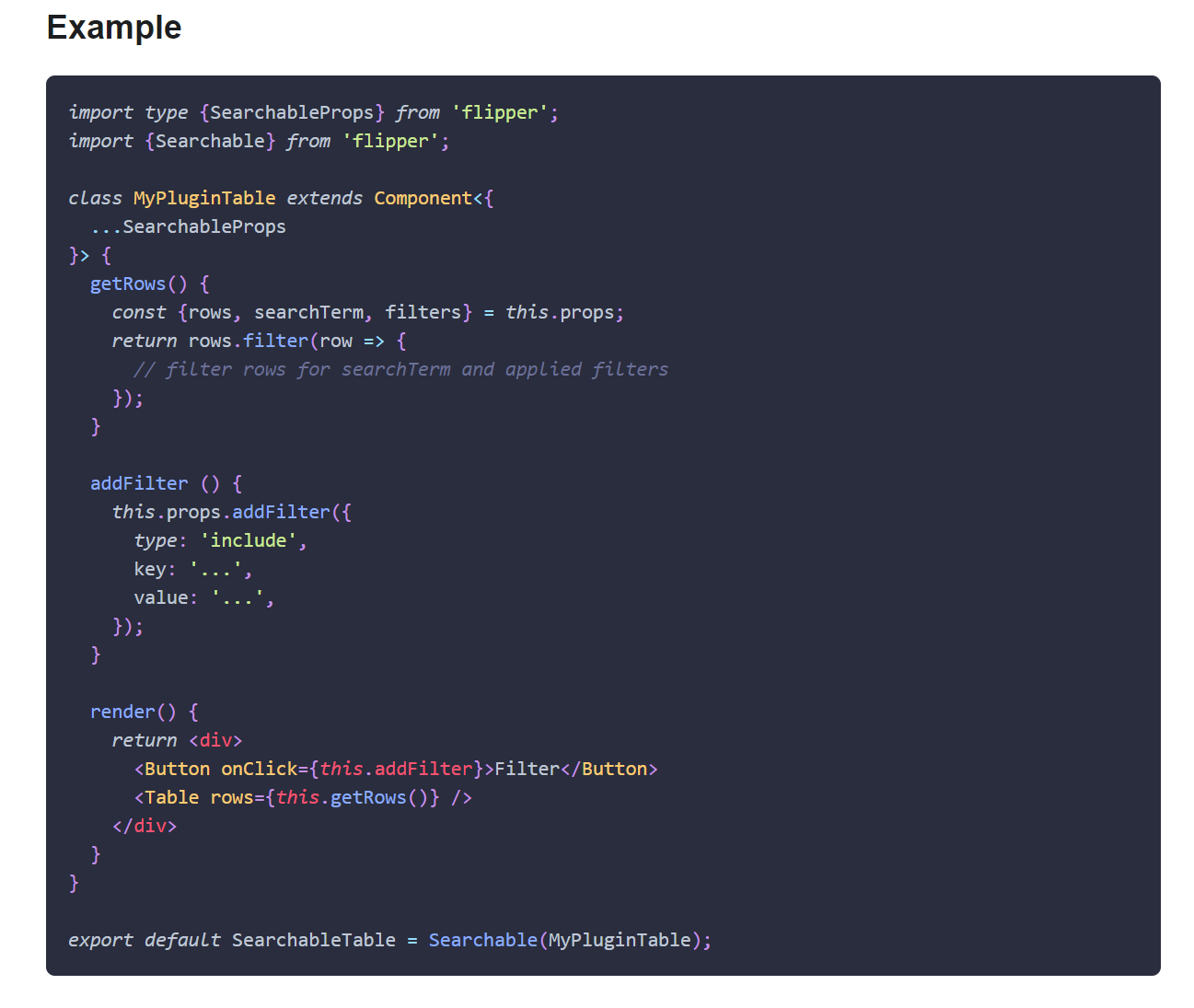
78 lines
1.8 KiB
Plaintext
78 lines
1.8 KiB
Plaintext
---
|
|
id: network-plugin
|
|
title: Network Setup
|
|
sidebar_label: Network
|
|
---
|
|
|
|
import Tabs from '@theme/Tabs';
|
|
import TabItem from '@theme/TabItem';
|
|
|
|
To use the network plugin, you need to add the plugin to your Flipper client instance.
|
|
|
|
## Android
|
|
|
|
The network plugin is shipped as a separate Maven artifact:
|
|
|
|
```groovy
|
|
dependencies {
|
|
debugImplementation 'com.facebook.flipper:flipper-network-plugin:0.82.1'
|
|
}
|
|
```
|
|
|
|
Once added to your dependencies, you can instantiate the plugin and add it to
|
|
the client:
|
|
|
|
```java
|
|
import com.facebook.flipper.plugins.network.NetworkFlipperPlugin;
|
|
|
|
NetworkFlipperPlugin networkFlipperPlugin = new NetworkFlipperPlugin();
|
|
client.addPlugin(networkFlipperPlugin);
|
|
```
|
|
|
|
### OkHttp Integration
|
|
|
|
If you are using the popular OkHttp library, you can use the Interceptors system to automatically hook into your existing stack.
|
|
|
|
```java
|
|
import com.facebook.flipper.plugins.network.FlipperOkhttpInterceptor;
|
|
|
|
new OkHttpClient.Builder()
|
|
.addNetworkInterceptor(new FlipperOkhttpInterceptor(networkFlipperPlugin))
|
|
.build();
|
|
```
|
|
|
|
As interceptors can modify the request and response, add the Flipper interceptor after all others to get an accurate view of the network traffic.
|
|
|
|
## iOS
|
|
|
|
To enable network inspection, add the following pod to your Podfile:
|
|
|
|
```ruby
|
|
pod 'FlipperKit/SKIOSNetworkPlugin', '~>' + flipperkit_version
|
|
```
|
|
|
|
Initialise the plugin in the following way:
|
|
|
|
<Tabs defaultValue="ios" values={[{ label: 'iOS', value: 'ios'}, { label: 'Swift', value: 'swift'}]}>
|
|
<TabItem value="ios">
|
|
|
|
```objc
|
|
#import <FlipperKitNetworkPlugin/FlipperKitNetworkPlugin.h>
|
|
|
|
[[FlipperClient sharedClient] addPlugin: [[FlipperKitNetworkPlugin alloc] initWithNetworkAdapter:[SKIOSNetworkAdapter new]]];
|
|
|
|
```
|
|
|
|
</TabItem>
|
|
<TabItem value="swift">
|
|
|
|
```swift
|
|
import FlipperKit
|
|
|
|
client?.add(FlipperKitNetworkPlugin(networkAdapter: SKIOSNetworkAdapter()))
|
|
|
|
```
|
|
|
|
</TabItem>
|
|
</Tabs>
|