 40e6cdebb1
Summary:
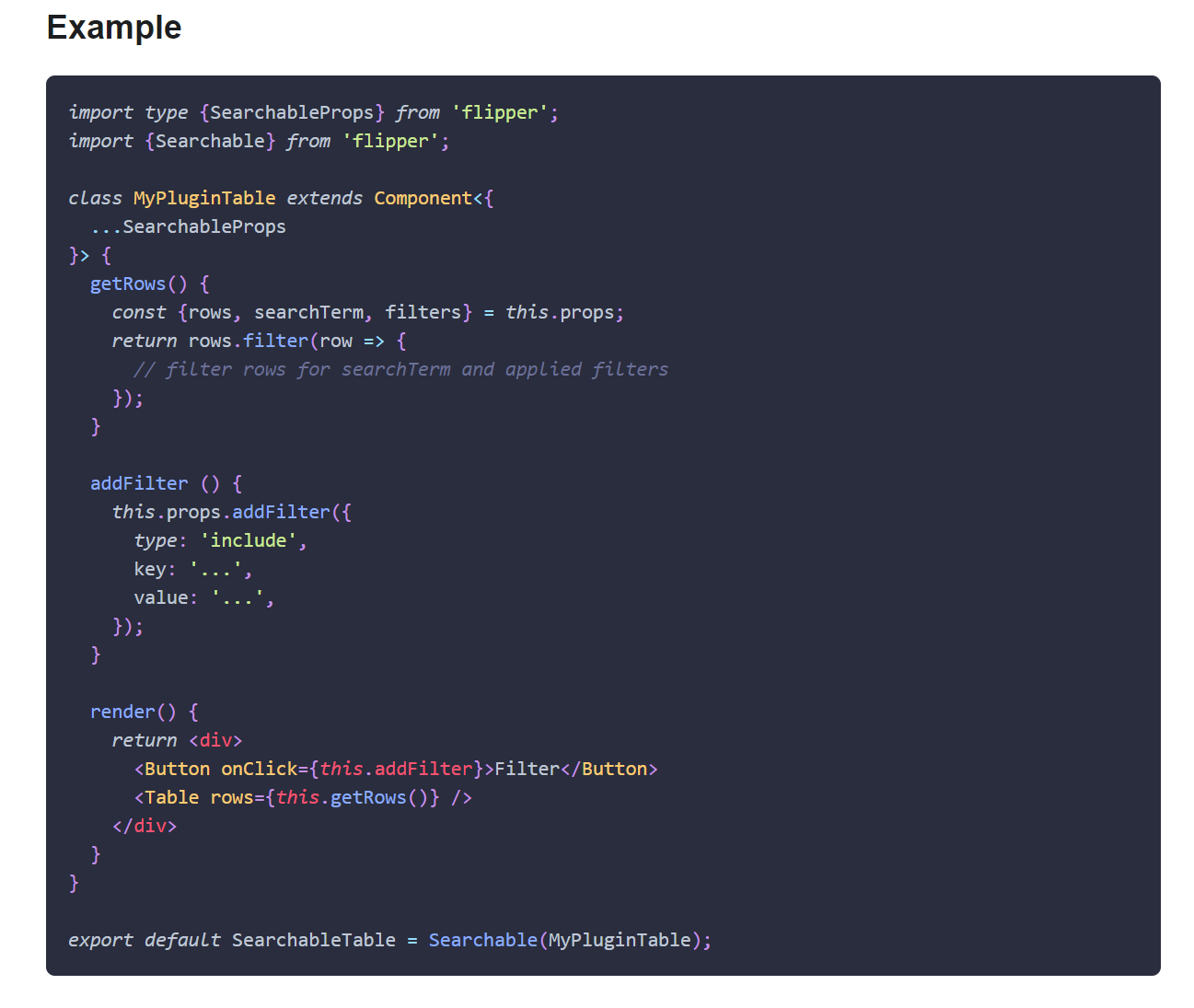
This PR adds missing Objective-C entry to the Docusaurus config, fixes Objective-C code blocks label and adds or replaces several code block labels to improve the currently highlighted blocks.

Prism in Docusaurus by default also includes syntax highlight for `jsx` and `tsx`, which improves the nodes and props highlight, so I have used those syntaxes in few places too.

I have also fixed one typo that I have spotted and my IDE made a cleanup of whitespaces in edited files.

## Changelog

* [website] improve docs code blocks highlighting

Pull Request resolved: https://github.com/facebook/flipper/pull/2049

Test Plan:
The changes have been tested running Flipper website on `localhost`.

## Preview

<img width="650" alt="Screenshot 2021-03-12 150934" src="https://user-images.githubusercontent.com/719641/110951135-fff20d00-8344-11eb-96db-1bdc82c8d5ea.png">

<img width="649" alt="Screenshot 2021-03-12 151022" src="https://user-images.githubusercontent.com/719641/110951268-2ca62480-8345-11eb-9d3b-1a48f1267776.png">

Reviewed By: priteshrnandgaonkar

Differential Revision: D27336599

Pulled By: passy

fbshipit-source-id: c2dfb3d8cad4675da0f5e1270cada1e56a0175c0

315 lines
8.7 KiB
Plaintext
315 lines
8.7 KiB
Plaintext
---
|
|
id: create-plugin
|
|
title: Client Plugin API
|
|
---
|
|
|
|
import Tabs from '@theme/Tabs';
|
|
import TabItem from '@theme/TabItem';
|
|
import {FbInternalOnly, OssOnly} from 'internaldocs-fb-helpers';
|
|
|
|
## FlipperPlugin
|
|
|
|
The plugin implementation that runs on the (mobile) application side of things is called the _client plugin_ in Flipper terminology.
|
|
To build a client plugin, implement the `FlipperPlugin` interface.
|
|
|
|
The ID that is returned from your implementation needs to match the `name` defined in your JavaScript counterpart's `package.json`.
|
|
|
|
|
|
<Tabs defaultValue="android" values={[{label: 'Android', value: 'android'}, { label: 'iOS', value: 'ios'}, { label: 'C++', value: 'cpp'}, { label: 'React Native (JS)', value: 'rn' }]}>
|
|
<TabItem value="android">
|
|
|
|
```java
|
|
public class MyFlipperPlugin implements FlipperPlugin {
|
|
private FlipperConnection mConnection;
|
|
|
|
@Override
|
|
public String getId() {
|
|
return "MyFlipperPlugin";
|
|
}
|
|
|
|
@Override
|
|
public void onConnect(FlipperConnection connection) throws Exception {
|
|
mConnection = connection;
|
|
}
|
|
|
|
@Override
|
|
public void onDisconnect() throws Exception {
|
|
mConnection = null;
|
|
}
|
|
|
|
@Override
|
|
public boolean runInBackground() {
|
|
return false;
|
|
}
|
|
}
|
|
```
|
|
|
|
</TabItem>
|
|
<TabItem value="ios">
|
|
|
|
```objc
|
|
@interface MyFlipperPlugin : NSObject<FlipperPlugin>
|
|
@end
|
|
|
|
@implementation MyFlipperPlugin
|
|
|
|
- (NSString*)identifier { return @"MyFlipperPlugin"; }
|
|
- (void)didConnect:(FlipperConnection*)connection {}
|
|
- (void)didDisconnect {}
|
|
- (BOOL)runInBackground {}
|
|
|
|
@end
|
|
```
|
|
|
|
</TabItem>
|
|
<TabItem value="cpp">
|
|
|
|
```cpp
|
|
class MyFlipperPlugin : public FlipperPlugin {
|
|
public:
|
|
std::string identifier() const override { return "MyFlipperPlugin"; }
|
|
void didConnect(std::shared_ptr<FlipperConnection> conn) override;
|
|
void didDisconnect() override;
|
|
bool runInBackground() override;
|
|
};
|
|
```
|
|
|
|
</TabItem>
|
|
<TabItem value="rn">
|
|
|
|
<div class="warning">
|
|
|
|
Please note that using Flipper from JavaScript in React Native requires the package [`react-native-flipper`](https://www.npmjs.com/package/react-native-flipper) to be installed in the hosting application.
|
|
|
|
</div>
|
|
|
|
```javascript
|
|
import {addPlugin} from 'react-native-flipper';
|
|
|
|
addPlugin({
|
|
getId() {
|
|
return 'MyFlipperPlugin';
|
|
},
|
|
onConnect(connection) {
|
|
console.log("connected");
|
|
},
|
|
onDisconnect() {
|
|
console.log("disconnected");
|
|
},
|
|
runInBackground() {
|
|
return false;
|
|
}
|
|
})
|
|
```
|
|
</TabItem>
|
|
</Tabs>
|
|
|
|
|
|
## Using FlipperConnection
|
|
|
|
`onConnect` will be called when your plugin becomes active. This will provide a `FlipperConnection` allowing you to register receivers for desktop method calls and respond with data.
|
|
|
|
<Tabs defaultValue="android" values={[{label: 'Android', value: 'android'}, { label: 'iOS', value: 'ios'}, { label: 'C++', value: 'cpp'}, { label: 'React Native (JS)', value: 'rn' }]}>
|
|
<TabItem value="android">
|
|
|
|
```java
|
|
connection.receive("getData", new FlipperReceiver() {
|
|
@Override
|
|
public void onReceive(FlipperObject params, FlipperResponder responder) throws Exception {
|
|
responder.success(
|
|
new FlipperObject.Builder()
|
|
.put("data", MyData.get())
|
|
.build());
|
|
}
|
|
});
|
|
```
|
|
|
|
</TabItem>
|
|
<TabItem value="ios">
|
|
|
|
```objc
|
|
@interface MyFlipperPlugin : NSObject<FlipperPlugin>
|
|
@end
|
|
|
|
@implementation MyFlipperPlugin
|
|
|
|
- (NSString*)identifier { return @"MyFlipperPlugin"; }
|
|
|
|
- (void)didConnect:(FlipperConnection*)connection
|
|
{
|
|
[connection receive:@"getData" withBlock:^(NSDictionary *params, FlipperResponder *responder) {
|
|
[responder success:@{
|
|
@"data":[MyData get],
|
|
}];
|
|
}];
|
|
}
|
|
|
|
- (void)didDisonnect {}
|
|
|
|
@end
|
|
```
|
|
|
|
</TabItem>
|
|
<TabItem value="cpp">
|
|
|
|
```cpp
|
|
void MyFlipperPlugin::didConnect(std::shared_ptr<FlipperConnection> conn) {
|
|
conn->receive("getData", [](const folly::dynamic ¶ms,
|
|
std::unique_ptr<FlipperResponder> responder) {
|
|
dynamic response = folly::dynamic::object("data", getMyData());
|
|
responder->success(response);
|
|
});
|
|
}
|
|
```
|
|
|
|
</TabItem>
|
|
<TabItem value="rn">
|
|
|
|
```javascript
|
|
addPlugin({
|
|
getId() {
|
|
return 'MyFlipperPlugin';
|
|
},
|
|
onConnect(connection) {
|
|
console.log("connected");
|
|
connection.receive("getData", (data, responder) => {
|
|
console.log("incoming data", data);
|
|
// respond with some data
|
|
responder.success({
|
|
ack: true
|
|
});
|
|
});
|
|
},
|
|
// ...as-is
|
|
})
|
|
```
|
|
|
|
</TabItem>
|
|
</Tabs>
|
|
|
|
## Push data to the desktop
|
|
|
|
You don't have to wait for the desktop to request data though, you can also push data directly to the desktop. If the JS plugin subscribes to the same method, it will receive the data.
|
|
|
|
<Tabs defaultValue="android" values={[{label: 'Android', value: 'android'}, { label: 'iOS', value: 'ios'}, { label: 'C++', value: 'cpp'}, { label: 'React Native (JS)', value: 'rn' }]}>
|
|
<TabItem value="android">
|
|
|
|
```java
|
|
connection.send("MyMessage",
|
|
new FlipperObject.Builder()
|
|
.put("message", "Hello")
|
|
.build()
|
|
```
|
|
|
|
</TabItem>
|
|
<TabItem value="ios">
|
|
|
|
```objc
|
|
[connection send:@"getData" withParams:@{@"message":@"hello"}];
|
|
```
|
|
|
|
</TabItem>
|
|
<TabItem value="cpp">
|
|
|
|
```cpp
|
|
void MyFlipperPlugin::didConnect(std::shared_ptr<FlipperConnection> conn) {
|
|
dynamic message = folly::dynamic::object("message", "hello");
|
|
conn->send("getData", message);
|
|
}
|
|
```
|
|
|
|
</TabItem>
|
|
<TabItem value="rn">
|
|
|
|
```javascript
|
|
addPlugin({
|
|
getId() {
|
|
return 'MyFlipperPlugin';
|
|
},
|
|
onConnect(connection) {
|
|
console.log("connected");
|
|
connection.send("newRow", { message: "Hello" });
|
|
},
|
|
// ...as-is
|
|
})
|
|
```
|
|
|
|
</TabItem>
|
|
</Tabs>
|
|
|
|
### Using a plugin instance to send data
|
|
|
|
It is often useful to get an instance of a Flipper plugin to send data to it. Flipper makes this simple with built-in support.
|
|
|
|
<FbInternalOnly>
|
|
|
|
#### Dependency Injection (Android only)
|
|
|
|
The preferred method to obtain a plugin instance is to use dependency injection when available.
|
|
For apps like fb4a that use dependency injection, a Module should have already been created by the create-plugin script.
|
|
This module will define a Singleton instance of your plugin that gets added to the FlipperClient.
|
|
|
|
You should use this instance of the plugin, by having it injected into your product code by the DI framework.
|
|
Alternatively, you can modify the plugin's injection module so that it injects a component into the FlipperPlugin.
|
|
|
|
|
|
</FbInternalOnly>
|
|
|
|
#### using FlipperClient to obtain a plugin instance
|
|
|
|
Plugins should be treated as singleton instances as there can only be one `FlipperClient` and each `FlipperClient` can only have one instance of a certain plugin. The Flipper API makes this simple by offering a way to get the current client and query it for plugins.
|
|
|
|
Plugins are identified by the string that their identifier method returns, in this example, "MyFlipperPlugin". Note that null checks may be required as plugins may not be initialized, for example in production builds.
|
|
|
|
<Tabs defaultValue="android" values={[{label: 'Android', value: 'android'}, { label: 'iOS', value: 'ios'}, { label: 'C++', value: 'cpp'}]}>
|
|
<TabItem value="android">
|
|
|
|
```java
|
|
final FlipperClient client = AndroidFlipperClient.getInstanceIfInitialized(context);
|
|
if (client != null) {
|
|
final MyFlipperPlugin plugin = client.getPluginByClass(MyFlipperPlugin.class);
|
|
plugin.sendData(myData);
|
|
}
|
|
```
|
|
|
|
</TabItem>
|
|
<TabItem value="ios">
|
|
|
|
```objc
|
|
FlipperClient *client = [FlipperClient sharedClient];
|
|
MyFlipperPlugin *myPlugin = [client pluginWithIdentifier:@"MyFlipperPlugin"];
|
|
[myPlugin sendData:myData];
|
|
```
|
|
|
|
</TabItem>
|
|
<TabItem value="cpp">
|
|
|
|
```cpp
|
|
auto& client = FlipperClient::instance();
|
|
auto myPlugin = client.getPlugin<MyFlipperPlugin>("MyFlipperPlugin");
|
|
if (myPlugin) {
|
|
myPlugin->sendData(myData);
|
|
}
|
|
```
|
|
</TabItem>
|
|
</Tabs>
|
|
|
|
|
|
Here, `sendData` is an example of a method that might be implemented by the Flipper plugin.
|
|
|
|
## Background Plugins
|
|
|
|
In some cases you may want to provide data to Flipper even when your plugin is not currently active. Returning true in `runInBackground()` will result in `onConnect` being called as soon as Flipper connects, and allow you to use the connection at any time. See the [Client Plugin Lifecycle](client-plugin-lifecycle) for more details.
|
|
|
|
This should be used in combination with a `persistedStateReducer` on the desktop side. See the [JS Plugin API](js-plugin-api#background-plugins) for details.
|
|
|
|
The benefit is that the desktop plugin can process this data in the background and fire notifications. It also reduces the number of renders and time taken to display the data when the plugin becomes active.
|
|
|
|
<div class="warning">
|
|
|
|
Please note that a background plugin could keep some data in memory until a Flipper connection is available, for example to keep statistics about the app startup process.
|
|
However, a plugin shouldn't assume it will eventually get a connection, since this depends on whether the user has enabled the plugin on the Desktop side.
|
|
So make sure to not store unbounded amounts of data!
|
|
|
|
</div>
|